The Piggy Bank, Reimagined.
Their Money Is Growing.Let Them See It.
The investing app for kids that isn’t a debit card. Connect the 529, UTMA, Roth IRA or Trump Account you already opened. Your child watches their own money grow, read-only, with financial literacy built in.
Penny · Their AI Money Mentor
Hi, I’m Penny!
I turn big investing words into lightbulb moments — right at their age level, from 5 to 18+.


Penny · Their AI Money Mentor
Hi, I’m Penny!
I turn big investing words into lightbulb moments — right at their age level, from 5 to 18+.


 Emma
Emma
First built for my kids. Now yours.
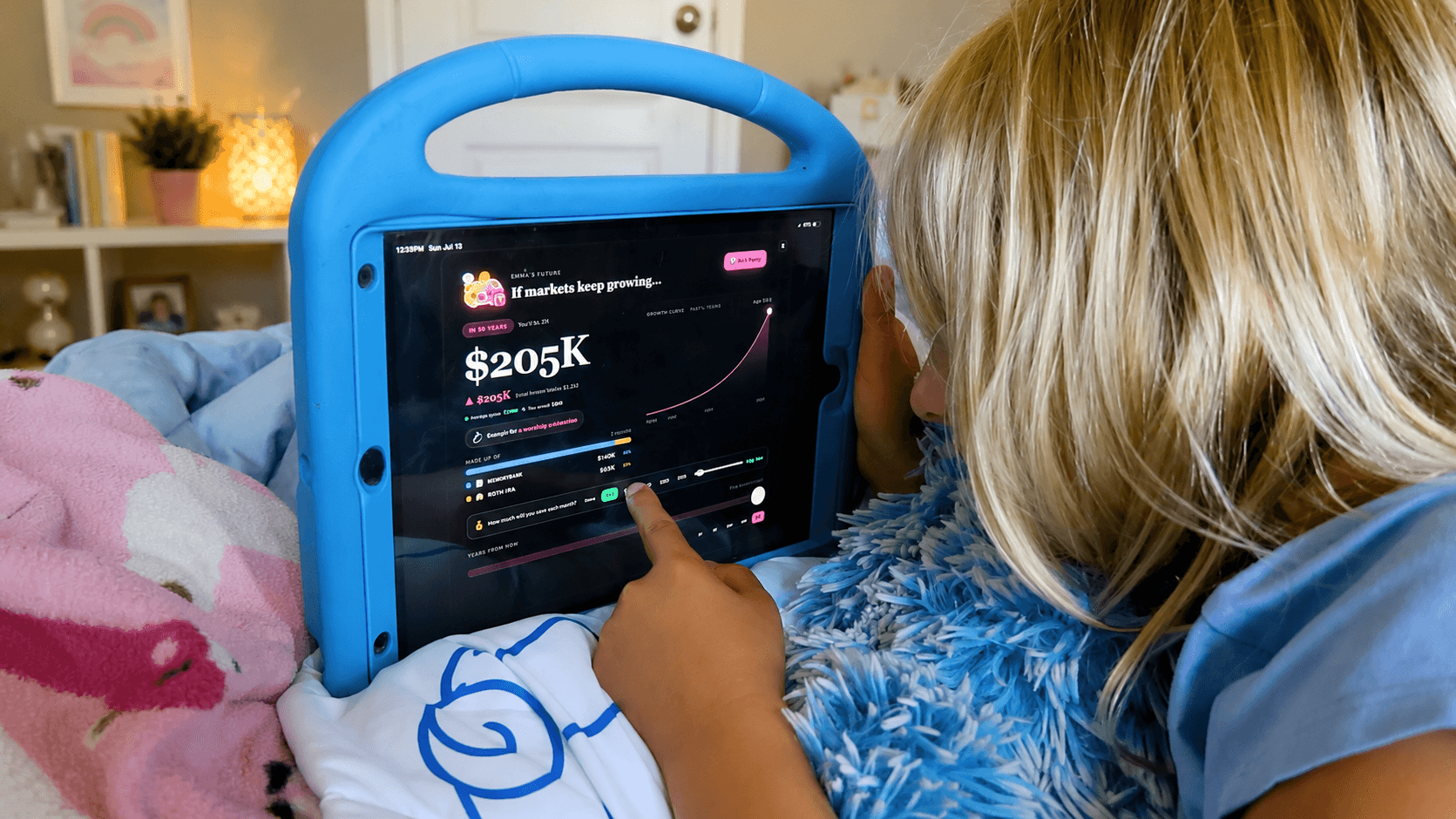
My daughter thought investing meant her money was gone. Fair — she had never actually seen it. So I built somewhere she could.
Meet the family Read-only
Your money stays where it belongs.
Read-only connections by Plaid — the same tech behind Venmo, Robinhood, and Coinbase.
Connects to any account, at any institution.
What kids get.
Five reasons they keep coming back.
Make saving feel worth it.
Kids set real goals and watch their progress update automatically.
New Car
LEGO Set
Prom Dress
New Stuffy
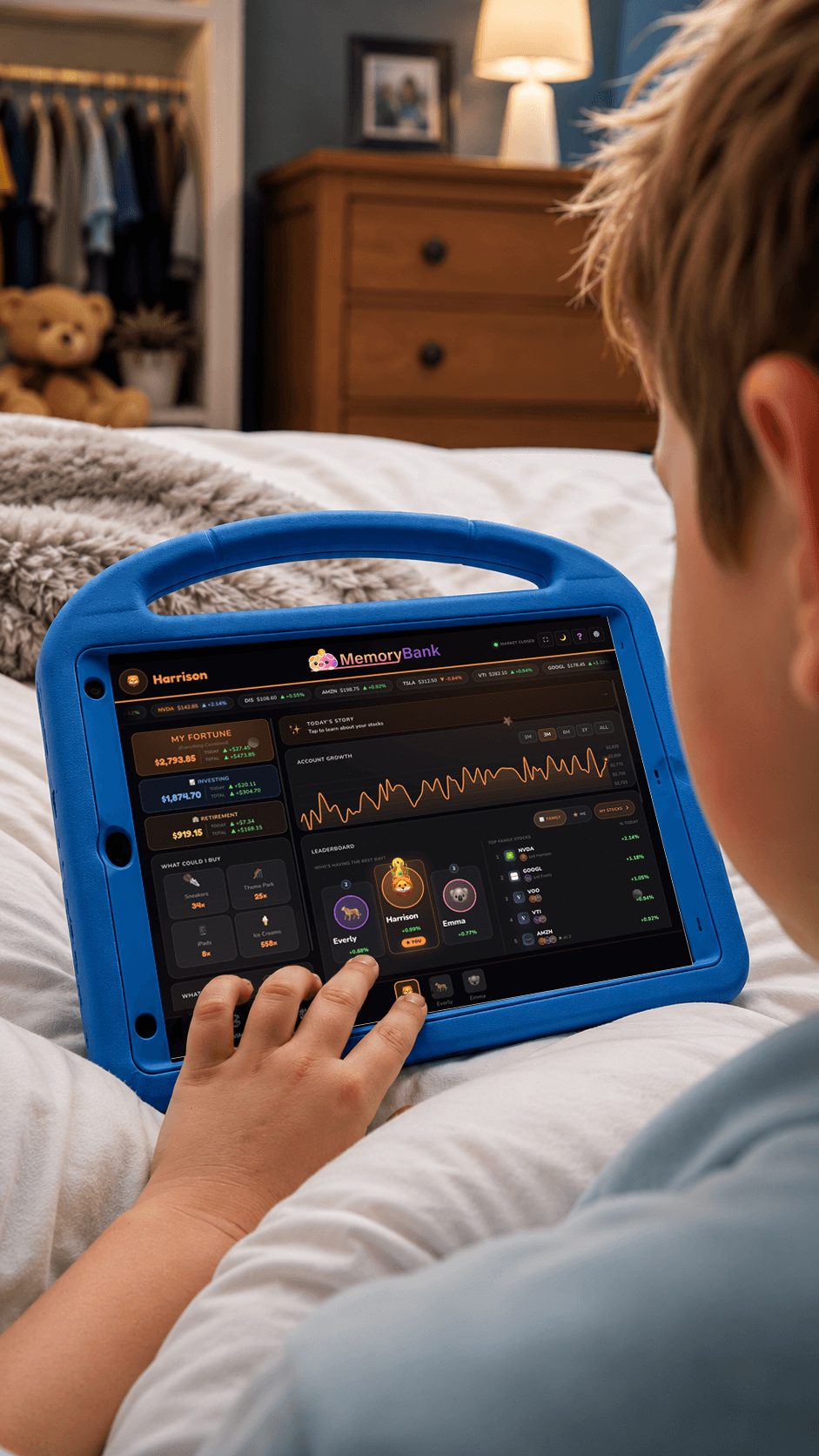
A dashboard by touch. A photo frame at rest.
Displays Google Photos the parent chooses until it's time to check their investments.
A way better gift than another toy or cash.
Grandparents, aunts, uncles, godparents — anyone can give one. Send it by email or print a card to wrap. Then stay on as a co-parent and watch alongside them, or hand it over and let their parents take it from there.
Not a debit-card app. A head start on financial confidence.
Debit card apps teach kids how to manage spending money. MemoryBank helps them understand how wealth grows.
| Feature |  | Debit-card appsKid debit-card appsGreenlight, Acorns Early, Step |
|---|---|---|
Connects to real investment accounts UTMA, 529, Roth IRA, brokerage at Fidelity, Vanguard, Schwab, etc. | ||
Built for kids to use directly Kid-friendly view, no login required, runs on any device | ||
Read-only — no spending risk Kids can watch and learn, but can never move or spend a dollar | ||
Family follows along, read-only Grandparents and co-parents get their own view — no shared logins, no account access | ||
Doubles as a family photo frame Cross-fade through Google Photos when idle |
Comparison reflects publicly listed features as of 2026. Other apps may add brokerage features over time — we'll update accordingly.
Questions parents ask before they sign up
Short answers. The long ones are in the FAQ.
Is MemoryBank an investing app for kids?
Is MemoryBank a financial literacy app?
Which accounts can MemoryBank track?
Can my child spend, trade or move money in MemoryBank?
How much does MemoryBank cost?
How is MemoryBank different from Greenlight or Acorns Early?
They’ll inherit more than your money.
Long before your wealth, they’ll inherit your habits. Give them something worth passing down.
Free to start · No credit card required · Month-to-month billing